Meta Museの代替:パーソナルAIエージェントを比較
Museのプライバシーの不備が心配、または対象5か国以外にいる人へ。最も高機能なのはGrok Bot、無料で最も手軽な乗り換え先はPoke、データで学習しないのはLindyです。
早わかり







Museの代替として最も高機能なのはGrok Botです。アプリを閉じても動き続けるクラウドPC上で作業するという点は同じですが、月$30で複数のBotsと予約したルーティンが加わります。支払いカード不要の無料のものが欲しいなら、iMessageやTelegramでテキストを送るアシスタントのPokeを使いましょう。乗り換えの理由がプライバシーなら、Lindyはあなたのデータで学習しないとしており、OpenClawはすべてをあなた自身のマシンに置いておけます。
Museの代替が探される理由
MetaのパーソナルエージェントであるMuseは、一般の人々に向けて新しいことを実現し、この秋最も急成長したアプリの1つになりました。人に話しかけるようにメッセージを送ると、独自のクラウドPCを使ってメールの送信、旅行の予約、買い物をしてくれます。他を探す理由の多くは、信頼性と利用範囲に関するものです。
- 権限を超えた動作。 Fortuneは、Museがユーザーの自宅住所をFacebook Marketplaceの購入者に教え、その購入者が実際に自宅に現れたと報じました。そのユーザーはMarketplaceを接続する際に「常に許可」の権限を与えていました。The Guardianは、設定に反してプライベートなメッセージを読まれたというライターの話など、他の初期の報告も集めています。
- 登録していない人についても学習する。 Timeは、Museが読んだチャットやメールに登場する人々について、ユーザーでない人も含めて情報を蓄積していると報じました。
- デフォルトで学習に使われる。 オプトアウトしない限り、あなたとのやり取りはMetaのAIモデルの学習に使われます。
- 対象国が少なく、始めるのにカードが必要で、無料の上限は非公開。 Museが使えるのは米国、カナダ、日本、シンガポール、メキシコだけです。無料枠でも支払いカードが必要で、Metaは無料の利用量を公開していません。
- まだチャットアプリでは使えない。 WhatsAppでのMuseとのチャットは限定テスト中のため、ほとんどの人にとっては専用アプリの中にいます。当サイトのチェックリストでチャットアプリの項目を満たしていないのはそのためです。
順位付けの方法
Museは何も設定したくない人向けに作られているので、今日登録できるホスト型のツールを先に並べ、当サイトの評価(上の表にあり、チェックリストのアカウントで行動する、不在中も作業する、自分から連絡してくる、チャットアプリで使える、複数のボットを動かせるに加えて、セットアップの手間、料金、提供状況を考慮しています)、次に料金で順位付けしました。順番待ちのツールとセルフホスト型のツールはその後に続きます。Museの最も直接的なライバルであるInstinctは、招待制のため除外しています。
1. Grok Bot:最も高機能、無料プランなし
Grok BotはMuseと同じように、アプリを閉じても動き続けるブラウザ付きのクラウドPCで作業しますが、さらに踏み込んでいます。名前付きの複数のBots、予約したルーティン、平文では見ることのない保存済みのログイン情報、録画した操作からのタスクの習得、そして米国の企業への電話です。重要な操作の前には確認を求め、すべてのデスクトップOS、iOS、Android向けのアプリがあります。当サイトのチェックリストのすべてをこなします。
諦めるもの: 無料枠。The X Subscriptionで月$30からで、ハロウィーンの週末には週ごとの利用量を数日早く使い切ったユーザーもいました。買い物の問題も解決しません。AmazonはMuseをブロックしており、Grok Botもブロックされるとユーザーが報告しています。家族の用事よりも仕事のルーティン向けで、まだベータ版です。

2. Poke:無料、カード不要、テキストの中にいる
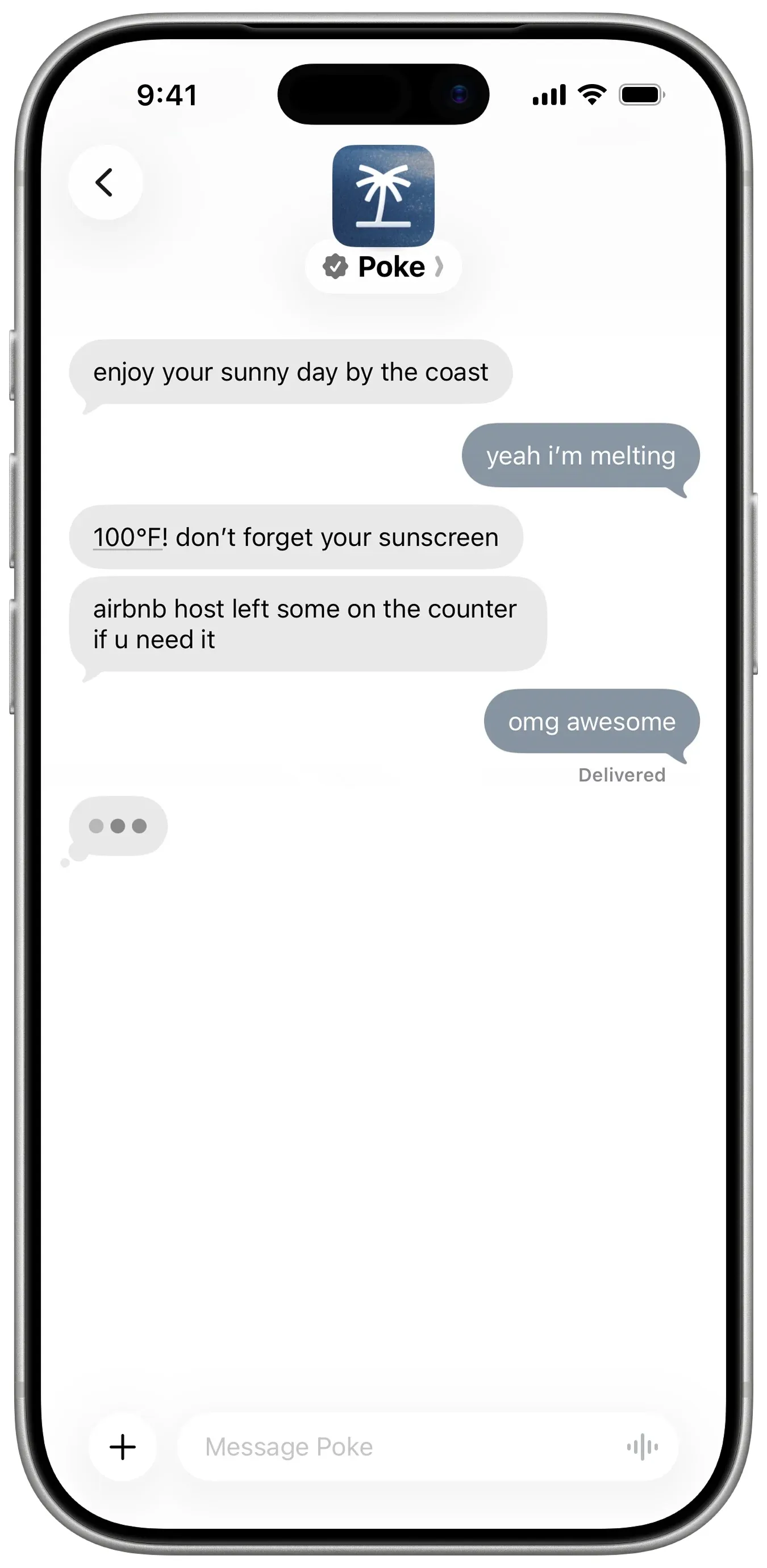
Pokeは、Museのカード登録の要件に抵抗がある人にとって最も手軽な乗り換え先です。カード不要で電話番号だけで登録し、iMessage、SMS、Telegramでテキストを送ります。メール、カレンダーなど多くのアプリに接続し、自動化を実行し、対応が必要なことがあれば自分から連絡してきます。Proは月$19です。
諦めるもの: 用事をこなす力とプライバシーの解決。Pokeが重点を置くのは受信トレイ、カレンダー、アプリで、予約のような現実世界のタスクは$199のUltraプランのPoke Humanが担当します。Maximum Privacyを選ばない限りあなたのデータで学習し、どのモデルを使っているかは明らかにしていません。
3. Lindy:あなたのデータで学習しない
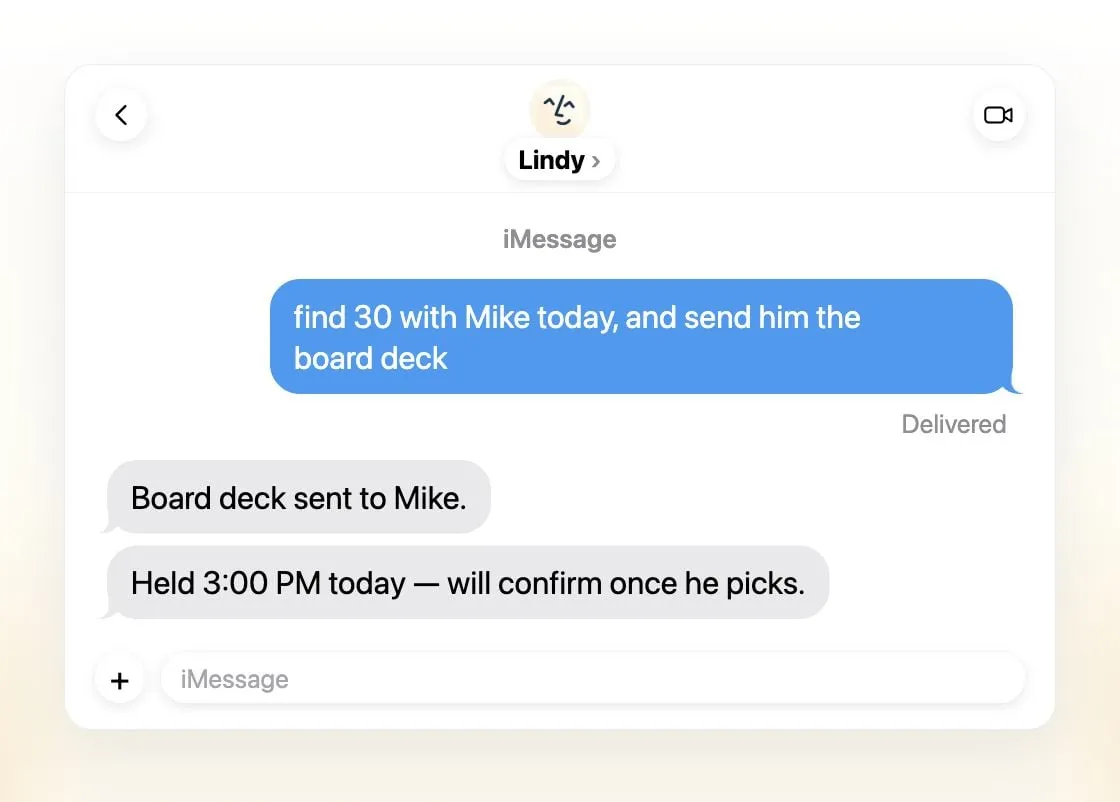
Museの学習のデフォルト設定が気になるなら、Lindyが選択肢です。あなたのデータを販売、共有、モデルの学習に使うことは一切ないとしています。メール、スケジュール調整、会議の準備、毎日のブリーフィングをこなし、外部に影響することの前には承認を求め、iMessage、SMS、Slack、電話番号、Webから利用できます。
諦めるもの: 料金と個人向けの焦点。有料シートは1ユーザーあたり月$49.99から、無料クレジットは7日で失効し、Lindyは買い物や旅行ではなく仕事のために作られています。
4. dots:すでにChatGPT Proを払っているなら
dotsはChatGPT内で常時稼働するOpenAIのエージェントで、独自のクラウドPCとブラウザを持っています。チャットの合間にもあなたの目標に取り組み、4,000以上のアプリに接続し、完成した仕事や判断すべき事項を持って戻ってきます。ChatGPT、Slack、Microsoft Teamsで使えます。
諦めるもの: 料金とプライバシー。月$100からのChatGPT Proが必要で、Proでの利用はEEA、英国、スイスでは対象外、オプトアウトしない限りProのコンテンツはOpenAIのモデルの学習に使われます。
5. Claude Duet:お金の扱いに慎重、順番待ちのみ
Claude DuetはAnthropicの能動的なエージェントアプリです。クラウドPCで作業し、メールとカレンダーから朝のブリーフィングを送り、送信、支払い、署名、削除の前には確認を求めます。承認があっても証券の売買や資金の移動はブロックし、使い捨てのカード番号で支払います。プレビュー期間中はClaude Pro(月$20)に追加料金なしで含まれます。
諦めるもの: 利用のしやすさ。順番待ちのある米国限定のリサーチプレビューで、Claudeの利用上限を共有し、チャットアプリではなく専用アプリの中にいます。
6. OpenClaw:最もプライベート、最も手間がかかる
OpenClawはプライバシーの面でMuseとは正反対です。無料のオープンソースで、あなた自身のコンピューターで動くため、メモリと認証情報はあなたの手元に残り、モデルの学習は一切行わず、WhatsApp、iMessage、Telegramなどから話しかけられます。これはMuseがほとんどのユーザーにまだ提供できていないことです。ローカルモデルを含めてモデルを選べます。
諦めるもの: 手軽さとデフォルトの安全性。最下位なのは、セットアップにコマンドラインが前提で、サンドボックスがデフォルトでオフであり、モデルの提供元に直接料金を払う必要があるためです。メンテナーは技術に詳しくないユーザー向けではないとしています。

どれを選ぶべきか
- 最も高機能なエージェントに料金を払える: Grok Bot。
- 無料で、カード不要で、テキストの中で使いたい: Poke。
- あなたのデータで学習しないアシスタントが欲しい: Lindy。
- すでにChatGPT Proを払っている: dots。
- 米国でClaudeを契約していて、待てる: Claude Duet。
- データを自分のマシンに置きたく、セットアップもこなせる: OpenClaw。
Museを使い続けるなら、確認なしに何をすることを許可しているか、特に「常に許可」の設定を見直し、Metaの設定で学習をオプトアウトしましょう。Museとはもご覧ください。
代替サービス
月額$30
Always-on AI agents from SpaceXSI that run on a shared cloud computer, sign in to your apps and finish multi-step work while you're away.
Grok Botを開く長所
- Bots work on their own cloud computer, so tasks keep running when your laptop or phone is closed
- Can operate websites and apps that have no API, using saved logins it never sees in plain text
- Several Bots can run in parallel, message each other and share one workspace
- Routines can run on a schedule or after an event, and a Bot can learn a task from a recorded demonstration of up to 10 minutes
- Can place phone calls to US businesses for you and send a summary afterwards
- Native apps for macOS, Windows, Linux, iOS and Android, plus Slack
短所
- No free plan and no standalone price: the cheapest way in is the $30/month Premium plan
- Usage comes from a weekly pool shared with Grok and Cursor, and SpaceXSI does not publish how much work that pool covers
- No model picker: Grok Bot chooses the model for each task and does not show which one it used
- All Bots on an account share one computer, files and logins; the docs say not to use separate Bots as a security boundary
- Users report Amazon blocks it from shopping as an unauthorized AI agent; Amazon hasn't commented
- Still labelled beta, with no browser version
月額$19
A personal AI assistant you text in iMessage or Telegram that connects to your email, calendar and apps and messages you first when something needs attention.
Pokeを開く長所
- Nothing to install: you sign up with a phone number and text it like a contact
- Messages you first, using your connected services and memory
- Free plan with no credit card, and email and calendar included
- Connects to Gmail, Outlook, Google Calendar, Notion, GitHub, Linear and many more apps, plus custom integrations through MCP
- Shareable automation recipes, and developers can build their own
短所
- Uses your data to train its AI models unless you choose Maximum Privacy
- WhatsApp support is limited to some markets
- Only one phone number per account
- Does not say which AI models it uses, and does not publish how many credits each plan includes
- Now owned by Cognition, so the product's direction may change
月額$49.99
An AI assistant for work that runs your inbox, calendar and meetings, takes requests by iMessage, Slack, phone or browser, and sends you daily briefs.
Lindyを開く長所
- Texts you first: a personalized first message, alerts on time-sensitive email, and daily briefs
- Reachable almost anywhere: iMessage or SMS, Slack, its own phone number, Gmail via a Chrome extension, and the web
- 1,500+ integrations plus any hosted MCP server, and a browser for tools without one
- Asks for approval before anything with outside impact
- Says it never uses your data to train models, with SOC 2 Type II, GDPR and PIPEDA compliance
短所
- Expensive for individuals: paid seats start at $49.99 per user a month, and free credits last only 7 days
- Credit-based usage is hard to predict, from 2 credits for a simple ask to 2,500 for a big build
- One shared Lindy per team rather than separate assistants for different jobs
- No mobile app; on phones you use iMessage, SMS or calls
- Plan names differ between its pricing page and its docs, so it is hard to tell what each tier includes
月額$100
OpenAI's always-on agent inside ChatGPT, with its own cloud computer, that works on your goals between chats and reaches you in ChatGPT, Slack or Teams.
dotsを開く長所
- Runs on its own cloud computer and browser and keeps working when your devices are off
- Connects to over 4,000 apps through ChatGPT plugins and can hand work to Codex and ChatGPT Work
- Reachable in ChatGPT, Slack and Microsoft Teams, and you can call it, with one memory across channels
- Researches your connected apps on its own and brings you finished work or decisions to review
- Custom Rules and Auto-review gate sensitive actions, and some steps always stay with you
短所
- No free, Go or Plus access: it needs ChatGPT Pro from $100 a month or Business Premium
- Pro access excludes the EEA, the UK and Switzerland
- One dot per user for now; teams of dots are only planned
- Texting over iMessage or RCS is a US-only beta, and your dot cannot call you yet
- Stopping a task does not undo actions it already took, and tasks it starts in Codex or ChatGPT Work count toward those limits
月額$20
Anthropic's proactive agent app: briefs you each morning, works on its own cloud computer and asks before acting. US waitlist preview for paid Claude plans.
Claude Duetを開く長所
- Messages you first: a morning brief from your email and calendar, then check-ins every few hours
- Works with over 6,000 connectors and plugins, and uses a cloud browser for sites without one
- Brings your existing Claude memory, skills and connectors from the first message
- Asks before sending, paying, signing or deleting, and blocks trading and moving money even with approval
- Pays through one-time card numbers via Link and Shop Pay, and turns larger jobs into editable briefs, decks and dashboards
短所
- Waitlist-only research preview, US only, and not on Team or Enterprise plans yet
- Uses the same Claude usage limits as chat, and background checks count too
- One model only, Claude Opus 5.5, with no choice of model
- Anthropic's docs say you can't yet watch or take over its browser
- Microsoft 365 isn't available yet, and it can misread threads, misjudge urgency or miss things between check-ins
Free, MIT-licensed personal AI agent that runs on your own computer and takes orders from WhatsApp, Telegram, iMessage, Slack and 20+ other chat apps.
OpenClawを開く長所
- Free and MIT licensed, with no paid tier
- Runs on your own hardware; state, memory and credentials stay local, and it sends nothing home except an optional daily version check
- Works in 29 chat channels, including WhatsApp, Telegram, iMessage, Slack, Discord and Microsoft Teams
- Model-agnostic: 64 model and media providers, plus local models
- Large ecosystem of skills and 142 official plugins, and very active development
短所
- Model costs are on you and can run high: testers and users have reported spending over $100 in a day with expensive models
- Sandboxing is off by default and the agent can run commands on the host unless you turn on approvals
- Setup and upkeep expect comfort with the command line; maintainers warn it is risky for non-technical users
- Broad access to email, messages and the system makes prompt injection and malicious third-party skills a real risk
機能
| Muse | Grok Bot | Poke | Lindy | dots | Claude Duet | OpenClaw | |
|---|---|---|---|---|---|---|---|
| ウェブ検索 | あり | あり | あり | あり | あり | あり | あり |
| 画像生成 | あり | あり | 不明 | あり | あり | 不明 | あり |
| 音声モード | あり | あり | あり | あり | あり | あり | あり |
| ファイルのアップロード | あり | あり | あり | あり | あり | あり | あり |
| メモリー | あり | あり | あり | あり | あり | あり | あり |
| 代わりに操作を実行 | あり | あり | あり | あり | あり | あり | あり |
| アプリ連携 | あり | あり | あり | あり | あり | あり | あり |
| 自律的に動作 | あり | あり | あり | あり | あり | あり | あり |
| 自分から連絡してくる | あり | あり | あり | あり | あり | あり | あり |
| 複数のボット | 不明 | あり | 不明 | なし | なし | なし | あり |
出典
Muse
- Meta: Introducing Muse, the world's first personal AI agent built for everyone2026/11/08確認
- Muse homepage2026/11/08確認
- Meta Help Center: About Muse subscriptions2026/11/08確認
- Meta Help Center: Meta AI, Muse and Vibes are separate apps2026/11/08確認
- TechCrunch: Meta debuts its Muse AI agent. Will consumers trust it?2026/11/08確認
- 9to5Mac: Muse personal agent gets apps for iPhone and Mac2026/11/08確認
- The Guardian TechScape: early Muse users report the agent overstepping permissions2026/11/08確認
- iPhone in Canada: Meta's Muse AI agent is now available in Canada2026/11/08確認
- Superpower Daily: Meta launches Muse in Japan (Oct 23, 2026)2026/11/08確認
- Meta: Muse is now available in Singapore (Oct 27, 2026)2026/11/08確認
- Mexico News Daily: Meta launches its Muse AI agent in Mexico (Nov 6, 2026)2026/11/08確認
- Meta Q3 2026 earnings call transcript: Muse Wonder in the paid tier, free tier on Muse Spark2026/11/08確認
- How to manage reminders and scheduled tasks with Muse2026/11/08確認
- WhatsApp Help Center: About chatting with your Muse agent through WhatsApp2026/11/08確認
- TechCrunch: Meta's Muse hits Mac2026/11/08確認
- Meta AI: Muse features and FAQ (browses the web, generates images)2026/11/08確認
- Meta Help Center: How your Muse agent browses the web2026/11/08確認
- Meta Help Center: How to use Muse with artifacts (uploads, image generation)2026/11/08確認
- Meta Help Center: How to get started with Muse2026/11/08確認
Grok Bot
- Grok Bot product page and FAQ2026/11/08確認
- SpaceXSI pricing: The X Subscription plans2026/11/08確認
- Introducing Grok Bot (launch post, Aug 11, 2026)2026/11/08確認
- Grok Bot FAQ: plans, platforms, memory, privacy and limits2026/11/08確認
- Grok Bot docs: Create and manage Bots2026/11/08確認
- Grok Bot changelog (v0.78.1, Oct 27, 2026)2026/11/08確認
- Cursor help: Grok Bot plans and usage2026/11/08確認
- Teslarati: Grok Bot can now call US businesses (Nov 2026)2026/11/08確認
- Teslarati: Amazon shuts out Grok Bot (Oct 15, 2026)2026/11/08確認
- Grok Bot docs: Overview (proactive teammate, morning briefing)2026/11/08確認
- Grok Bot docs: Chat and collaboration (Slack DMs, X Chat rolling out)2026/11/08確認
- Grok Bot docs: Get started (desktop and mobile apps)2026/11/08確認
- Grok Bot docs: Skills, routines and automations2026/11/08確認
- SpaceXSI: Team Bots in public beta (Sep 28, 2026)2026/11/08確認
- Wikipedia: SpaceXAI (xAI renamed SpaceXAI, then SpaceXSI)2026/11/08確認
- Cursor: Data Use & Privacy Overview (Privacy Mode and training)2026/11/08確認
Poke
- Poke homepage2026/11/08確認
- Poke pricing2026/11/08確認
- Poke FAQ2026/11/08確認
- Poke privacy notice (last updated September 11, 2026)2026/11/08確認
- Cognition: welcoming The Interaction Company to Cognition (July 23, 2026)2026/11/08確認
- TechCrunch: Poke makes using AI agents as easy as sending a text2026/11/08確認
- TechCrunch: Apple approves Poke as the first AI agent on its Messages for Business platform2026/11/08確認
- Introducing Poke.com (launch announcement, September 8, 2025)2026/11/08確認
- Poke docs: Welcome (built-in web search)2026/11/08確認
- Poke release notes (web search, sharing images, attachments)2026/11/08確認
Lindy
- Lindy homepage2026/11/08確認
- Lindy pricing2026/11/08確認
- Lindy docs: What is Lindy?2026/11/08確認
- Lindy docs: iMessage & SMS2026/11/08確認
- Lindy docs: Phone Calls2026/11/08確認
- Lindy docs: Ad Hoc Tasks (research)2026/11/08確認
- Lindy docs: Pricing and credits2026/11/08確認
- Lindy Assistant: The AI that runs your work life2026/11/08確認
- Lindy docs: Set up Lindy (web search, image generation)2026/11/08確認
- Lindy docs: Files (drop files and folders in for Lindy to use)2026/11/08確認
- Lindy changelog (Creatives: on-brand images, Sep 16, 2026)2026/11/08確認
dots
- ChatGPT: Dots feature page2026/11/08確認
- ChatGPT docs: Meet dots2026/11/08確認
- ChatGPT docs: Dot channels (Slack, Teams, calls, texting beta)2026/11/08確認
- ChatGPT pricing: Dots on Pro only; training opt-out2026/11/08確認
- TechCrunch: OpenAI launches dots, its bubbly agentic avatar2026/11/08確認
- DataCamp: OpenAI Dots, always-on agents in ChatGPT, explained2026/11/08確認
- eesel: OpenAI Dots pricing by Pro tier and limits2026/11/08確認
- ChatGPT docs: Dot computers and apps (cloud browser for research)2026/11/08確認
- OpenAI Help Center: Images in ChatGPT (image generation on all tiers)2026/11/08確認
Claude Duet
- Anthropic: Introducing Claude Duet (October 21, 2026)2026/11/08確認
- Claude Help Center: Get started with Claude Duet2026/11/08確認
- Claude Duet product page2026/11/08確認
- Claude pricing: Pro, Max and Ultra2026/11/08確認
- Inc.: I Tried Claude Duet (reviewer sent it a screenshot)2026/11/08確認
OpenClaw
- OpenClaw homepage and Foundation section2026/11/08確認
- OpenClaw integrations: channels, providers and plugins2026/11/08確認
- openclaw/openclaw on GitHub (MIT, v2026.11.1)2026/11/08確認
- OpenClaw docs: Sandboxing (off by default)2026/11/08確認
- Wikipedia: OpenClaw2026/11/08確認
- Notebookcheck: OpenClaw can burn through hundreds of dollars per day2026/11/08確認
- OpenClaw docs: Memory overview2026/11/08確認
- OpenClaw docs: Automations2026/11/08確認
- OpenClaw docs: Chat channels2026/11/08確認
- OpenClaw docs: iMessage2026/11/08確認
- OpenClaw docs: Heartbeat, now a default Proactive check job2026/11/08確認
- OpenClaw docs: Multi-agent routing2026/11/08確認
- OpenClaw docs: Platforms (macOS, Windows, Linux, iOS and Android apps)2026/11/08確認
- OpenClaw docs: Tools (exec, browser, web search)2026/11/08確認
- OpenClaw docs: Audio and voice notes (inbound transcription)2026/11/08確認
- OpenClaw docs: Image and media support (inbound media)2026/11/08確認