The best private AI assistant in 2026
The most private AI assistants that act for you: self-hosted OpenClaw, Rakazo and Hermes Agent, plus Lindy as a hosted pick. Ranked by where your data lives and training.
At a glance
| Assistant | Free plan | Open source | Self-hostable | Trains on your chats by default | ||
|---|---|---|---|---|---|---|
| OpenClaw | Yes | – | Yes | Yes | No | |
| Rakazo | Yes | $10/mo | Yes | Yes | No | |
| Hermes Agent | Yes | $20/mo | Yes | Yes | No | |
| Lindy | Yes | $49.99/mo | No | No | No |




The most private AI assistant is one that runs on hardware you control with a local model, so your email, messages and memory never sit on a vendor’s servers. OpenClaw is the best-known way to do that, and it documents exactly what it sends home. Rakazo is the pick if you want each bot sandboxed, and Hermes Agent suits people who already run their own server. If you won’t self-host, Lindy is the hosted assistant with the clearest no-training promise.
Disclosure: Rakazo is made by the company that runs this site. It’s ranked on the same criteria as everything else.
Privacy matters more for assistants than for chat apps. An assistant needs your inbox, calendar, accounts and sometimes payments to be useful, and it keeps a memory of you. Several of the big hosted assistants train on what you give them by default, as covered at the end.
How we ranked
We ranked from each tool’s documentation, privacy policy and source code licence, as recorded in our catalog with sources. We didn’t audit any code or traffic ourselves. The criteria, in order:
- Where your data lives. Self-hostable, open-source software you run yourself beats a vendor’s servers.
- What the vendor says it collects and trains on. A stated no-training and no-telemetry default beats silence, and silence beats training by default.
- Local models. Whether prompts can stay on your machine instead of going to a cloud model.
- Containment. Sandboxing and approvals, because an agent that leaks your data through a prompt injection isn’t private either.
- Maturity. Size of the project and how long it has been scrutinised.
This order is for privacy only, so it differs from our overall rating in the table on this page, which weighs what each assistant can do, setup effort, price and availability.
1. OpenClaw: most private if you can run it
OpenClaw is a free, MIT-licensed agent that runs on your own computer and talks to you through chat apps you already use. Its state, memory and credentials stay on your hardware, and by default it sends nothing home except a daily version check you can turn off; anonymous feature statistics are opt-in (OpenClaw). It trains no models itself.
Your prompts go wherever your model is. With a cloud model, that provider’s policy applies. With a local model through Ollama, LM Studio or vLLM, nothing has to leave your machine (integrations). Your chat app’s own policy also applies to messages you send through it.
The trade-off is containment. Sandboxing is off by default, and giving an agent your email and messages makes prompt injection and malicious third-party skills a real risk; a third-party skill quietly exfiltrating data is one documented incident (Wikipedia). It ranks first because it’s the most mature of the three and states its defaults most completely, not because it’s the safest out of the box.
Pick it if you’re comfortable on the command line and will turn on sandboxing. See what OpenClaw is and OpenClaw alternatives.

2. Rakazo: self-hosted, with a sandbox for every bot
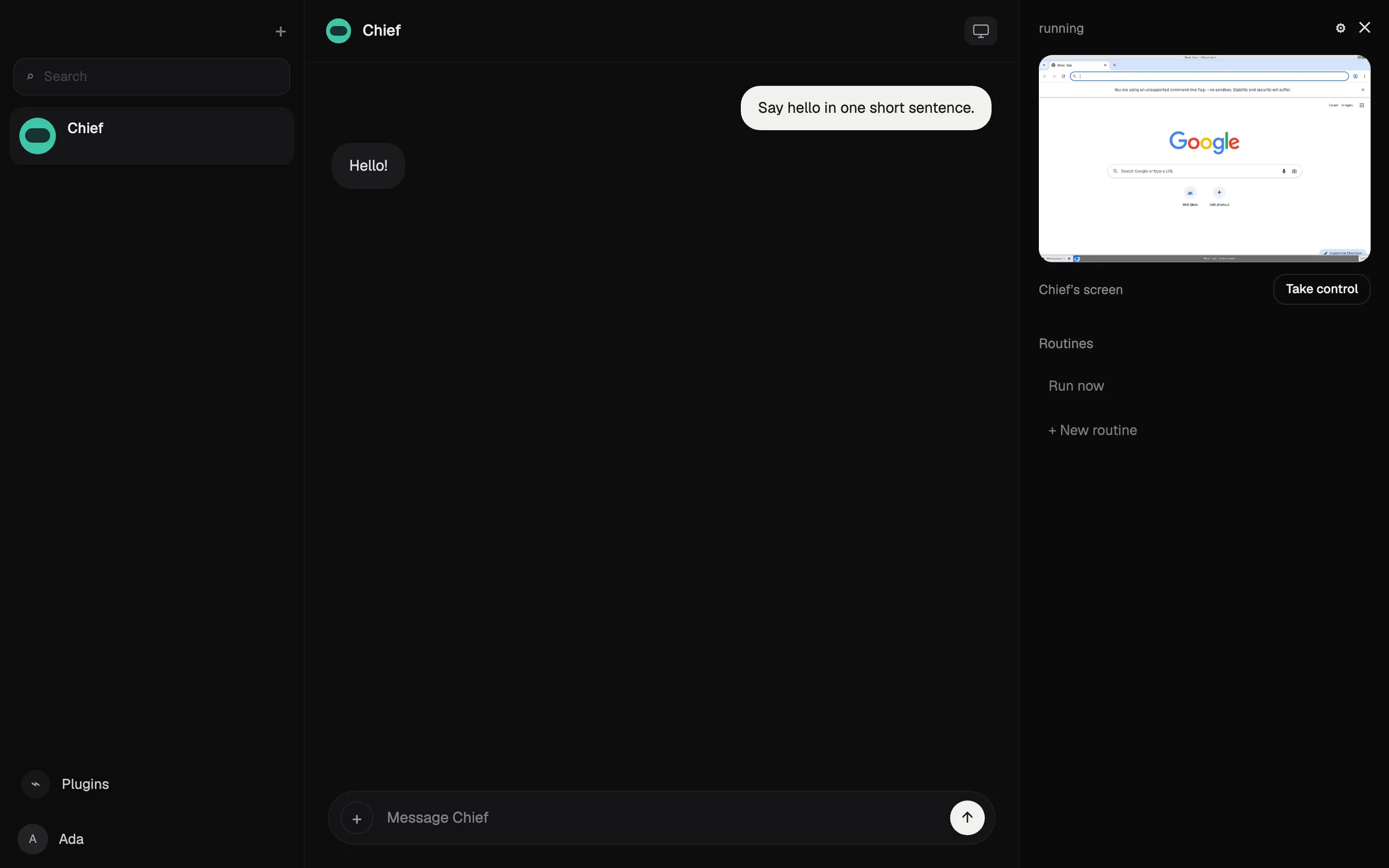
Rakazo is an Apache-2.0 platform for persistent AI bots that you can self-host for free (GitHub). Like OpenClaw, you bring the model, including local models through Ollama or LM Studio, so a self-hosted setup with a local model keeps data on your machine. Each bot’s computer runs in Docker or a sandbox, and you choose which actions need approval. Its self-hosting docs say product analytics and error reporting are off unless you configure them (docs).
Rakazo doesn’t train models of its own, and its privacy policy says it doesn’t sell personal information. On the hosted plan, your content goes to the model provider you connect, whose terms govern retention, so the hosted plan is less private than self-hosting.
It ranks second because it’s newer, in beta and has a much smaller community than OpenClaw, so its code has had less outside scrutiny.
Pick it if you want a self-hosted agent with sandboxing and approvals, and the option of a hosted plan later. See the Rakazo review.

3. Hermes Agent: self-hosted, for your own server
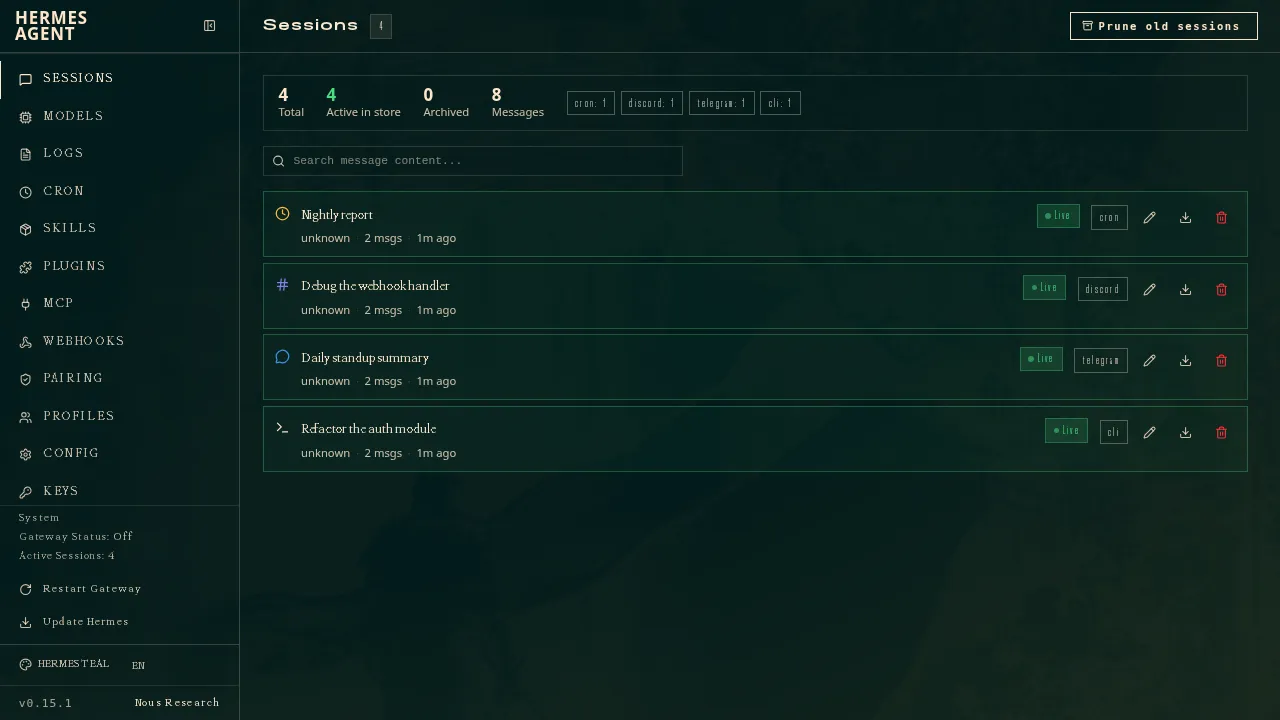
Hermes Agent, from Nous Research, is MIT-licensed and runs on your computer, a cheap server or serverless infrastructure (GitHub). When you self-host it, its config, memory, skills and chat history stay on your machine, and prompts go to whichever model provider you configure, from OpenRouter or OpenAI to any compatible endpoint (docs).
Its FAQ says it collects no telemetry and sends API calls only to the model provider you configure. It ranks third because of containment: the GitHub Advisory Database lists ten advisories for the package from May and June 2026 (GitHub advisories), and we couldn’t confirm its default sandboxing. The optional Nous Portal subscription routes your prompts and hosted tools such as web search through Nous’s servers, so use your own endpoint if privacy is the point.
Pick it if you run your own server and want an agent that learns reusable skills. It can import settings, memories and skills from OpenClaw.
4. Lindy: most private hosted assistant
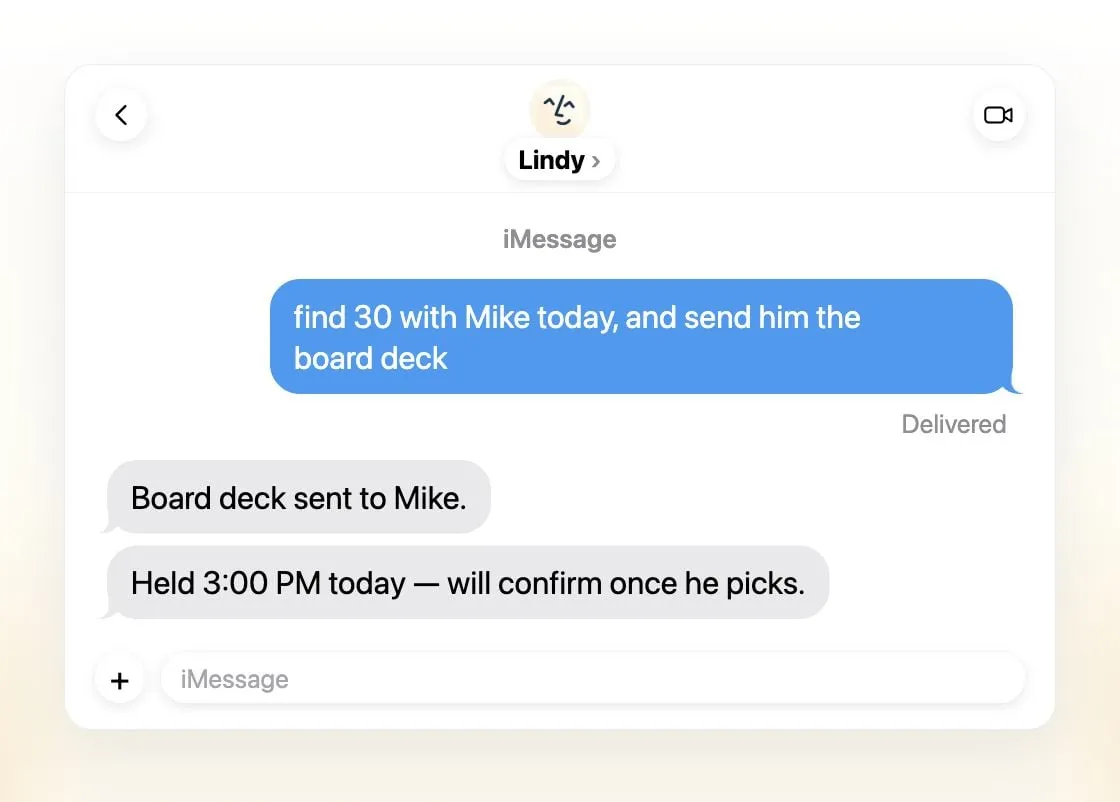
Lindy is not self-hostable, so your data lives on its servers. What sets it apart from other hosted assistants is a clear promise: it says data is encrypted in transit and at rest and is never sold, shared or used to train models, and it claims SOC 2 Type II, GDPR and PIPEDA compliance, with HIPAA and a signed BAA on Enterprise (Lindy). It also asks for approval before anything with outside impact.
It costs more than the others, with paid seats from $49.99 per user a month (pricing), and it’s built for work email, calendars and meetings rather than personal life.
Pick it if you need a hosted work assistant and can’t run software yourself.
Assistants that train on your data by default
These assistants are popular, but their own terms say your data is used for training unless you change a setting:
- Muse: Meta says you can opt out of your interactions training its models, so training is on by default. Meta says Muse doesn’t share conversations with its ad systems (Meta).
- dots: OpenAI’s pricing page says Pro content is used to train its models, with an opt-out (pricing).
- Poke: its privacy notice says user data may train its models unless you select Maximum Privacy.
- Instinct: its terms let it train on your materials unless you opt out, and the opt-out only applies going forward.
- Perplexity Teammates: Teammates needs a Max plan, and Perplexity turns on AI data retention by default for Free, Pro and Max accounts, so your data may train its models unless you switch it off in Settings (Perplexity).
Grok Bot asks whether to allow training, and it stays off unless you turn it on (FAQ). Others, including Manus and Claude Duet, don’t state their training default for individual users in the pages we checked. Assume nothing until they do.
Which one to pick
- Nothing leaves your machine: OpenClaw or Rakazo, self-hosted, with a local model.
- A sandbox for every bot: Rakazo.
- You already run a server: Hermes Agent.
- Hosted, for work, with a no-training promise: Lindy.
Whatever you use, check the training setting on every assistant you connect to your accounts, and give an agent only the access its job needs. For assistants ranked on what they can do rather than privacy, see the best AI assistants and the best AI agent.
Best picks
Free, MIT-licensed personal AI agent that runs on your own computer and takes orders from WhatsApp, Telegram, iMessage, Slack and 20+ other chat apps.
Visit OpenClawStrengths
- Free and MIT licensed, with no paid tier
- Runs on your own hardware; state, memory and credentials stay local, and it sends nothing home except an optional daily version check
- Works in 29 chat channels, including WhatsApp, Telegram, iMessage, Slack, Discord and Microsoft Teams
- Model-agnostic: 64 model and media providers, plus local models
- Large ecosystem of skills and 142 official plugins, and very active development
Weaknesses
- Model costs are on you and can run high: testers and users have reported spending over $100 in a day with expensive models
- Sandboxing is off by default and the agent can run commands on the host unless you turn on approvals
- Setup and upkeep expect comfort with the command line; maintainers warn it is risky for non-technical users
- Broad access to email, messages and the system makes prompt injection and malicious third-party skills a real risk
$10/mo
Open-source, self-hostable platform for persistent AI bots that each get a job, a computer, memory and routines, using the model you choose.
Visit RakazoStrengths
- Open source (Apache-2.0) and fully self-hostable, including with local models
- Choice of model per bot, including existing Claude or ChatGPT subscriptions
- Bots keep working on schedules and triggers with their own cloud computer
- Approval controls over which actions a bot may take on its own
Weaknesses
- Still in beta, with frequent releases
- You supply and pay for the model on the hosted plans, unless you buy Rakazo credits
- Telegram, WhatsApp and iMessage/SMS are only available when self-hosted
- More setup than a single chat app
$20/mo
Free, MIT-licensed AI agent from Nous Research that runs on your own machine or server, learns reusable skills, and chats with you on Telegram, Slack and more.
Visit Hermes AgentStrengths
- Free and MIT licensed, and runs on hardware you control
- Writes and refines its own skills from experience, on top of persistent memory and cross-session search
- One gateway for 20+ chat platforms, including Telegram, Discord, Slack, WhatsApp, Signal and email
- Run several separate agents as profiles, each with its own model, memory and skills, and let them talk in group chats
- Model-agnostic, with a one-command import from OpenClaw
Weaknesses
- Setup expects comfort with the command line and with running your own server
- Model costs are on you unless you use free models, and hosted web search, images and speech need a paid Nous Portal plan or your own keys
- iMessage needs a separate BlueBubbles server on a Mac
- No native mobile app; Android support is a command-line install through Termux
$49.99/mo
An AI assistant for work that runs your inbox, calendar and meetings, takes requests by iMessage, Slack, phone or browser, and sends you daily briefs.
Visit LindyStrengths
- Texts you first: a personalized first message, alerts on time-sensitive email, and daily briefs
- Reachable almost anywhere: iMessage or SMS, Slack, its own phone number, Gmail via a Chrome extension, and the web
- 1,500+ integrations plus any hosted MCP server, and a browser for tools without one
- Asks for approval before anything with outside impact
- Says it never uses your data to train models, with SOC 2 Type II, GDPR and PIPEDA compliance
Weaknesses
- Expensive for individuals: paid seats start at $49.99 per user a month, and free credits last only 7 days
- Credit-based usage is hard to predict, from 2 credits for a simple ask to 2,500 for a big build
- One shared Lindy per team rather than separate assistants for different jobs
- No mobile app; on phones you use iMessage, SMS or calls
- Plan names differ between its pricing page and its docs, so it is hard to tell what each tier includes
Features
| OpenClaw | Rakazo | Hermes Agent | Lindy | |
|---|---|---|---|---|
| Web search | Yes | Yes | Yes | Yes |
| Image generation | Yes | Yes | Yes | Yes |
| Voice mode | Yes | Yes | Yes | Yes |
| File uploads | Yes | Yes | Yes | Yes |
| Memory | Yes | Yes | Yes | Yes |
| Takes actions for you | Yes | Yes | Yes | Yes |
| App integrations | Yes | Yes | Yes | Yes |
| Works on its own | Yes | Yes | Yes | Yes |
| Messages you first | Yes | Yes | Yes | Yes |
| Runs several bots | Yes | Yes | Yes | No |
Sources
OpenClaw
- OpenClaw homepage and Foundation sectionChecked Nov 8, 2026
- OpenClaw integrations: channels, providers and pluginsChecked Nov 8, 2026
- openclaw/openclaw on GitHub (MIT, v2026.11.1)Checked Nov 8, 2026
- OpenClaw docs: Sandboxing (off by default)Checked Nov 8, 2026
- Wikipedia: OpenClawChecked Nov 8, 2026
- Notebookcheck: OpenClaw can burn through hundreds of dollars per dayChecked Nov 8, 2026
- OpenClaw docs: Memory overviewChecked Nov 8, 2026
- OpenClaw docs: AutomationsChecked Nov 8, 2026
- OpenClaw docs: Chat channelsChecked Nov 8, 2026
- OpenClaw docs: iMessageChecked Nov 8, 2026
- OpenClaw docs: Heartbeat, now a default Proactive check jobChecked Nov 8, 2026
- OpenClaw docs: Multi-agent routingChecked Nov 8, 2026
- OpenClaw docs: Platforms (macOS, Windows, Linux, iOS and Android apps)Checked Nov 8, 2026
- OpenClaw docs: Tools (exec, browser, web search)Checked Nov 8, 2026
- OpenClaw docs: Audio and voice notes (inbound transcription)Checked Nov 8, 2026
- OpenClaw docs: Image and media support (inbound media)Checked Nov 8, 2026
Rakazo
- Rakazo homepageChecked Nov 8, 2026
- Rakazo pricingChecked Nov 8, 2026
- Rakazo privacy policyChecked Nov 8, 2026
- Rakazo on GitHub (README and license)Checked Nov 8, 2026
- Rakazo changelogChecked Nov 8, 2026
- Rakazo releasesChecked Nov 8, 2026
- Rakazo docs: Image and video generationChecked Nov 8, 2026
- Rakazo docs: MemoryChecked Nov 8, 2026
- Rakazo docs: Connect appsChecked Nov 8, 2026
- Rakazo docs: RoutinesChecked Nov 8, 2026
- Rakazo docs: Chat appsChecked Nov 8, 2026
- Rakazo docs: Messaging apps (self-hosting)Checked Nov 8, 2026
- Rakazo docs: Bots and chats (add another bot, bot templates)Checked Nov 8, 2026
- Rakazo docs: Groups (several bots in one chat)Checked Nov 8, 2026
- Rakazo docs: Mobile app (notifications)Checked Nov 8, 2026
- Rakazo privacy policy (updated Sep 14, 2026)Checked Nov 8, 2026
- Rakazo privacy policy source on GitHubChecked Nov 8, 2026
Hermes Agent
- NousResearch/hermes-agent on GitHub (MIT, v0.23.0)Checked Nov 8, 2026
- Hermes Agent homepage and Nous Portal pricingChecked Nov 8, 2026
- Hermes Agent documentationChecked Nov 8, 2026
- Hermes Agent docs: Profiles, running multiple agentsChecked Nov 8, 2026
- Hermes Agent docs: Bot ModeChecked Nov 8, 2026
- Hermes Agent docs: Voice modeChecked Nov 8, 2026
- Hermes Agent docs: Vision and image pasteChecked Nov 8, 2026
- Hermes Agent docs: iMessage via BlueBubblesChecked Nov 8, 2026
- Nous Research on X: Meet Hermes Agent (February 25, 2026)Checked Nov 8, 2026
- Hermes Agent docs: Session heartbeats and cron watchdogsChecked Nov 8, 2026
- Hermes Agent docs: FAQ (Is my data sent anywhere?)Checked Nov 8, 2026
Lindy
- Lindy homepageChecked Nov 8, 2026
- Lindy pricingChecked Nov 8, 2026
- Lindy docs: What is Lindy?Checked Nov 8, 2026
- Lindy docs: iMessage & SMSChecked Nov 8, 2026
- Lindy docs: Phone CallsChecked Nov 8, 2026
- Lindy docs: Ad Hoc Tasks (research)Checked Nov 8, 2026
- Lindy docs: Pricing and creditsChecked Nov 8, 2026
- Lindy Assistant: The AI that runs your work lifeChecked Nov 8, 2026
- Lindy docs: Set up Lindy (web search, image generation)Checked Nov 8, 2026
- Lindy docs: Files (drop files and folders in for Lindy to use)Checked Nov 8, 2026
- Lindy changelog (Creatives: on-brand images, Sep 16, 2026)Checked Nov 8, 2026